GitLab
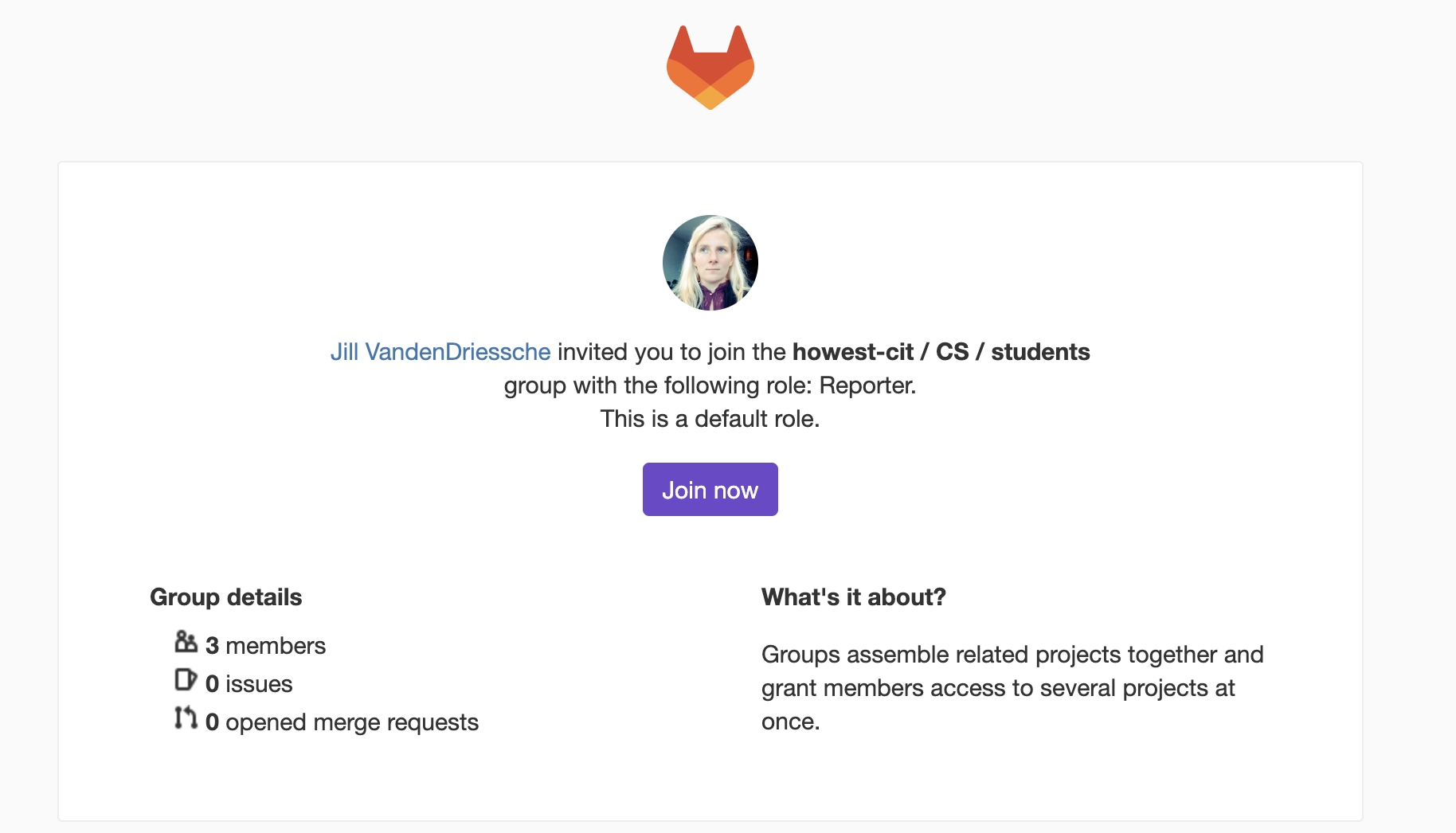
To create your GitLab account you should have gotten an invite email on your howest email-address with subject “
After clicking on the Join now button you should be redirected to a registration page.
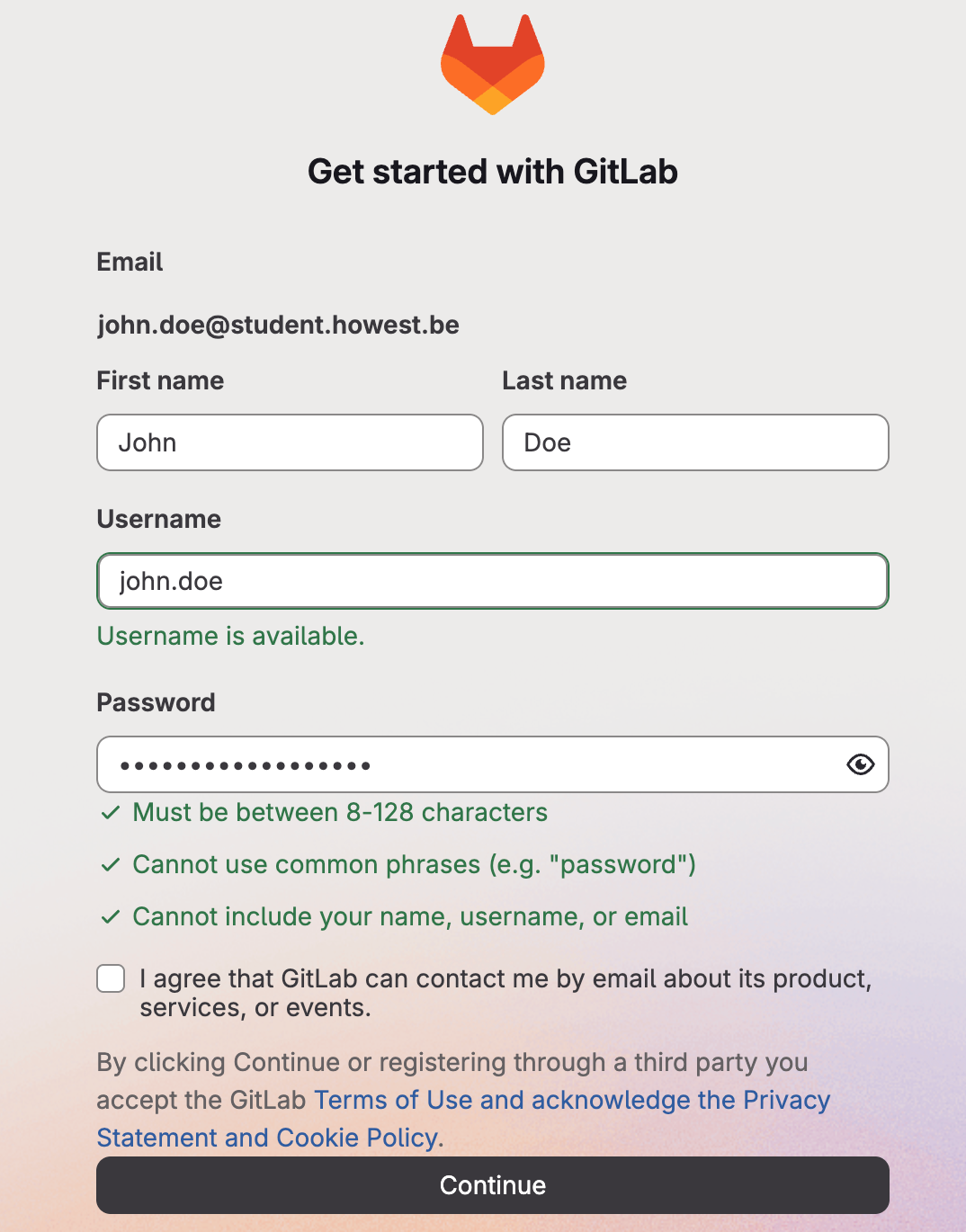
Choose a username with the correct naming convention
Fill in the following data before continuing:
- Your first name and last name (as known by howest)
- A username (this should be the first part of your howest email, preceding the @, so for
john.doe@student.howest.bechoosejohn.doe) - A safe password of your choice
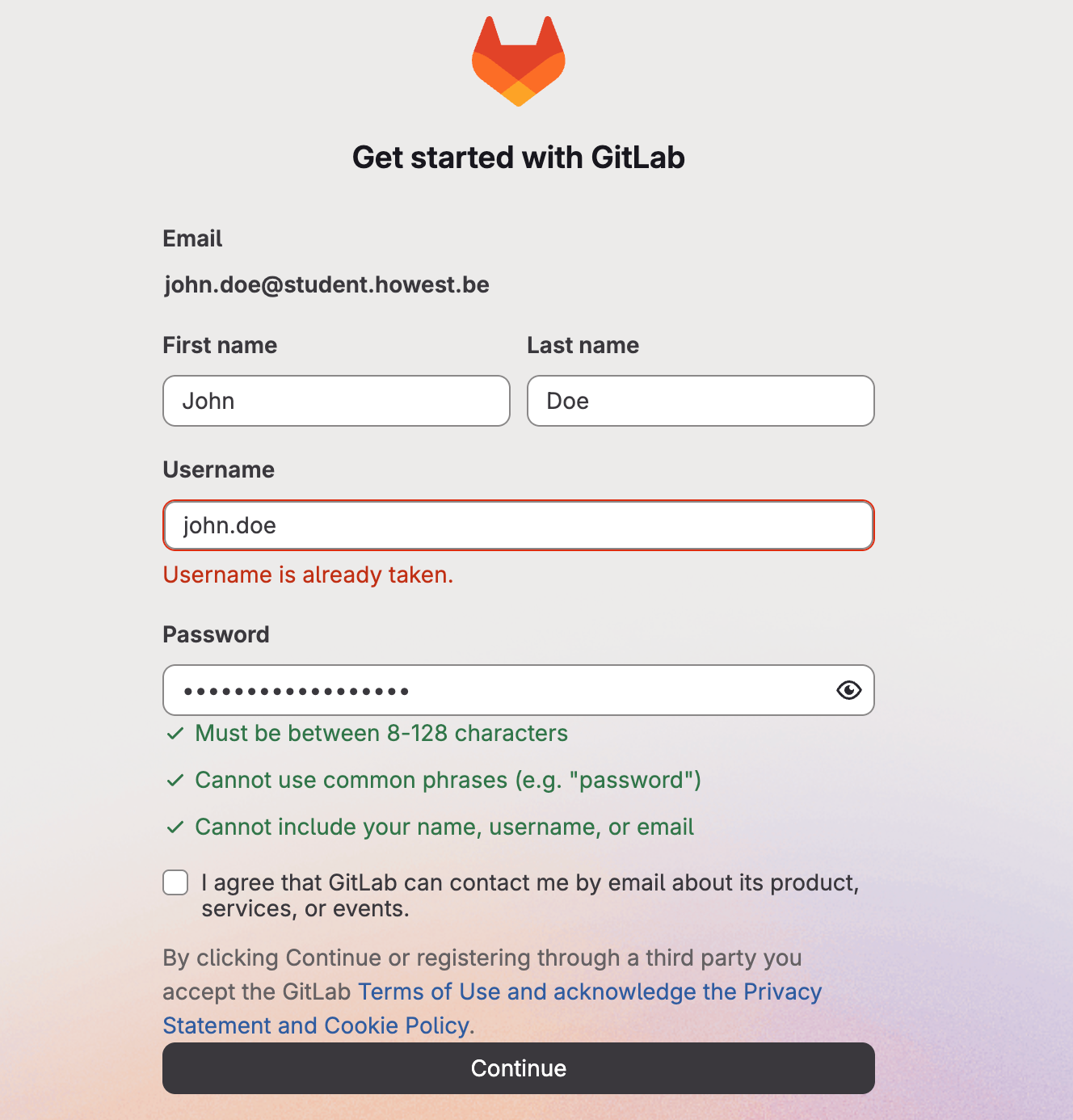
If the username is already taken, add the current academic year to it, e.g. john.doe.2026
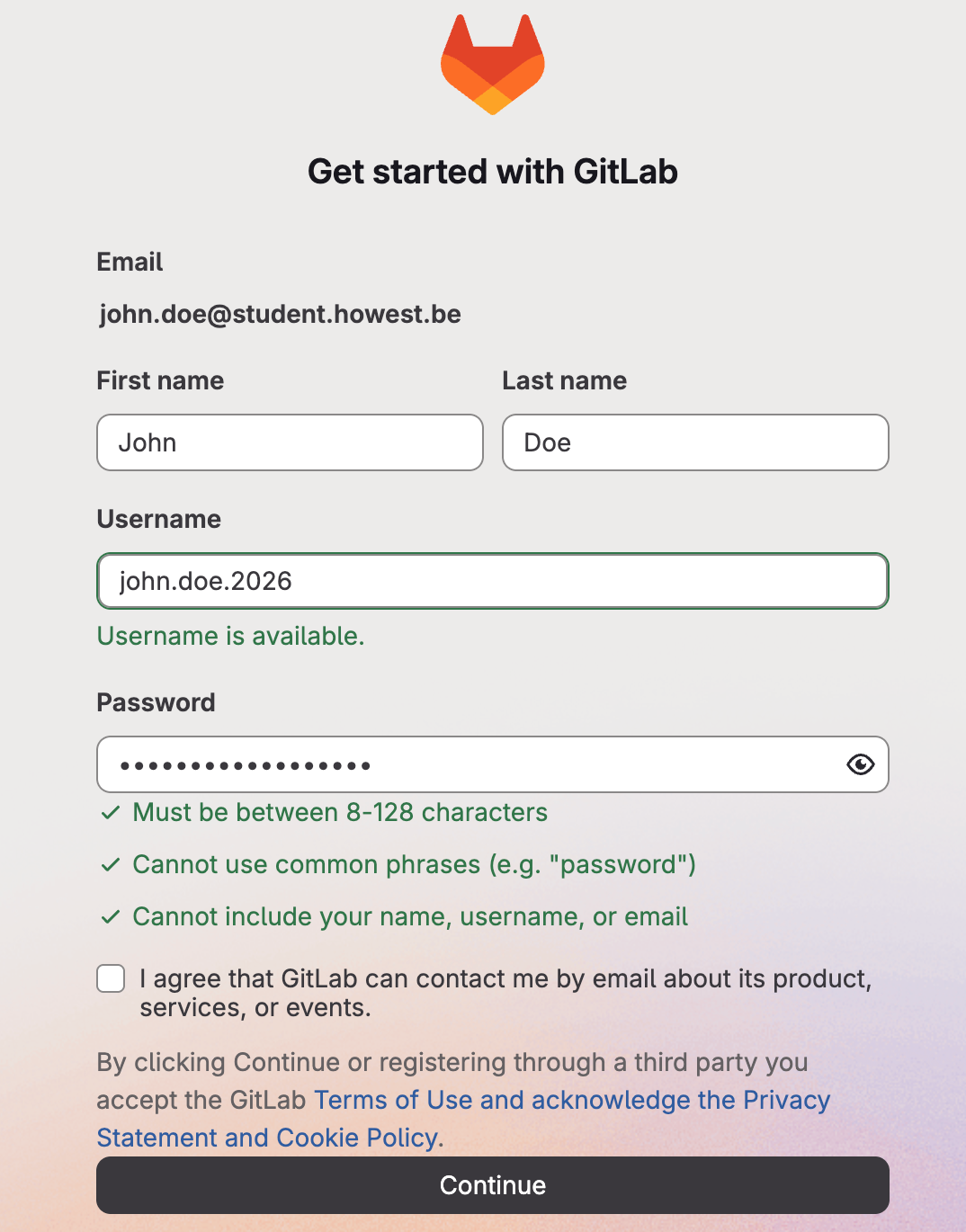
IMPORTANT It is imperative you match the gitlab username to the first part of your howest email. If not, all scripts down the line will fail.
In the next screen choose Other as Role and I want to store my code as reason for signing up for GitLab.
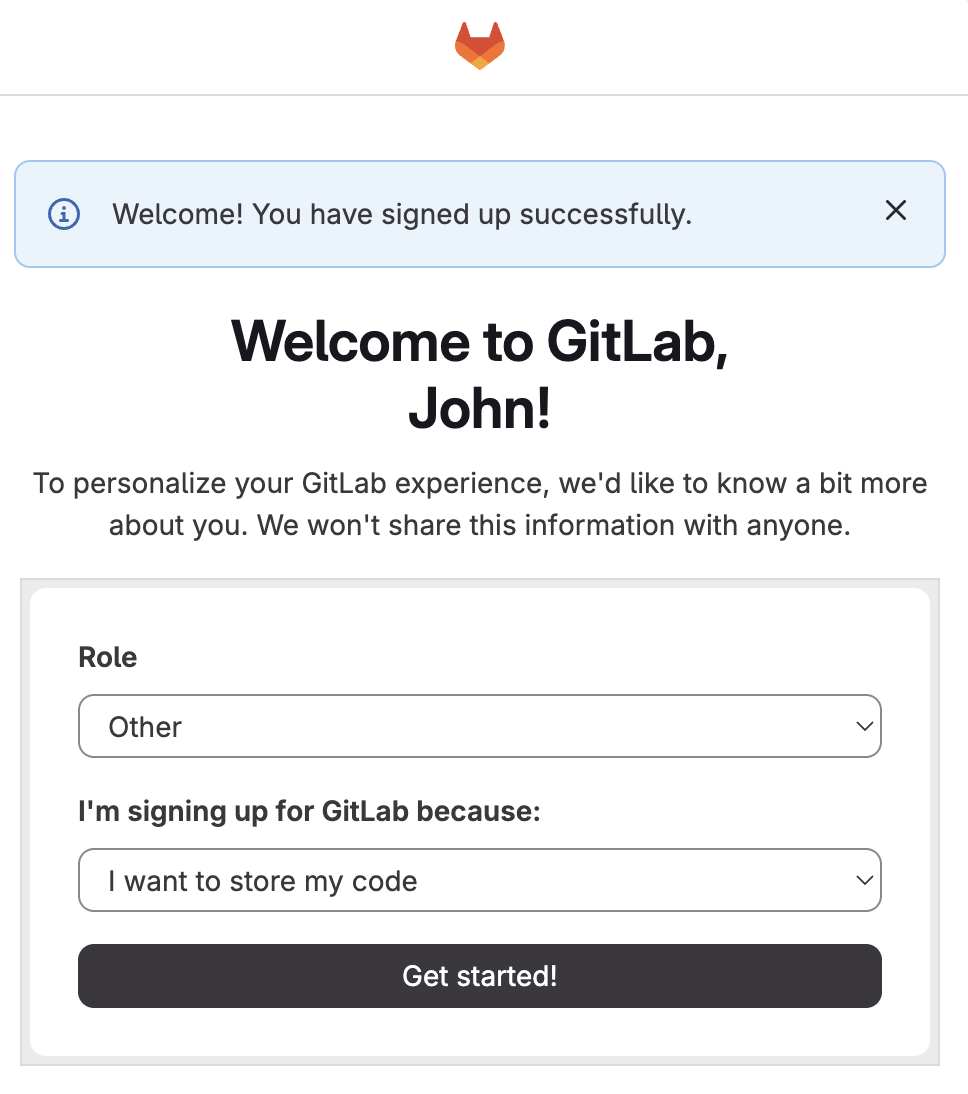
Now open the url gitlab.com/howest-cit in your browser (it might be a good idea to bookmark this link) and if everything was correctly configured, you should see something like this.
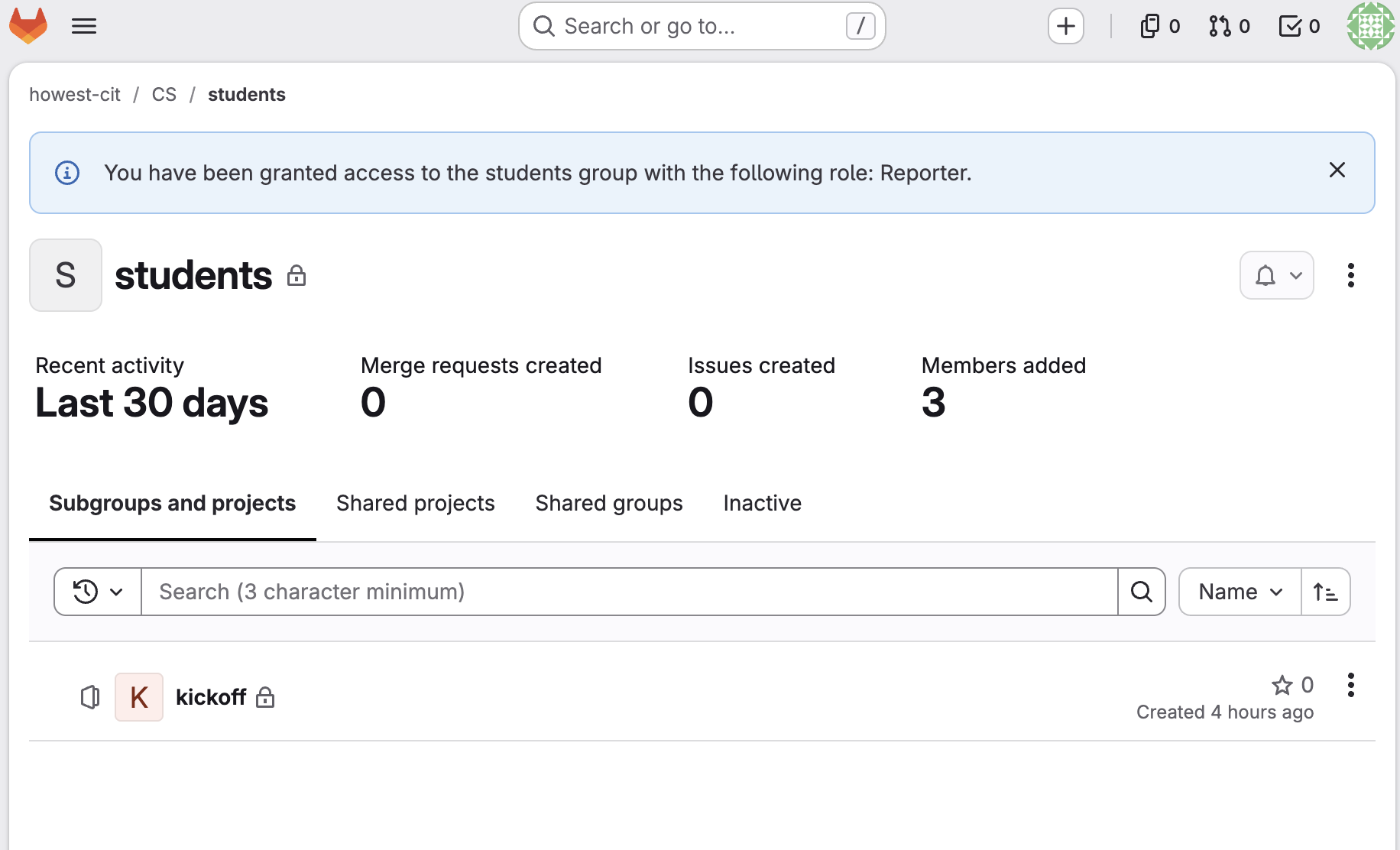
Configuring profile
To configure your profile, click on your avatar in the upper right corner and choose edit profile.
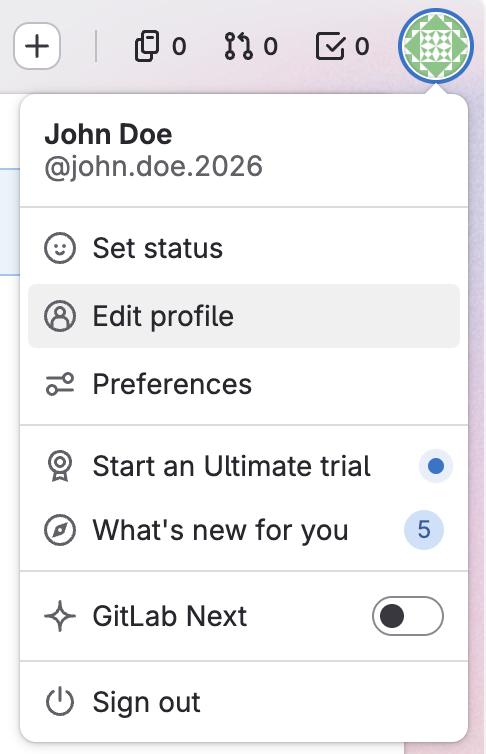
Here you can upload your Leho profile picture as an avatar.
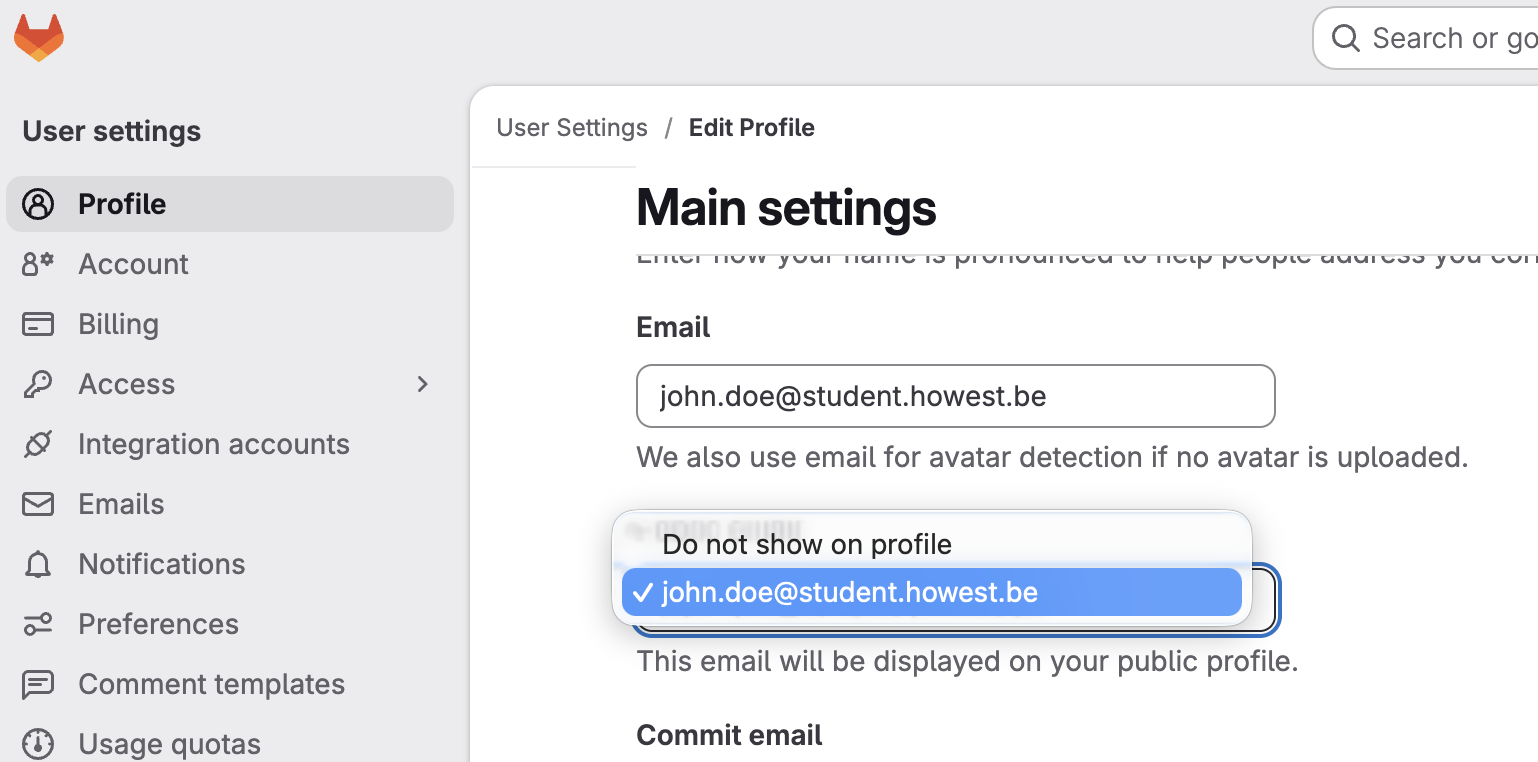
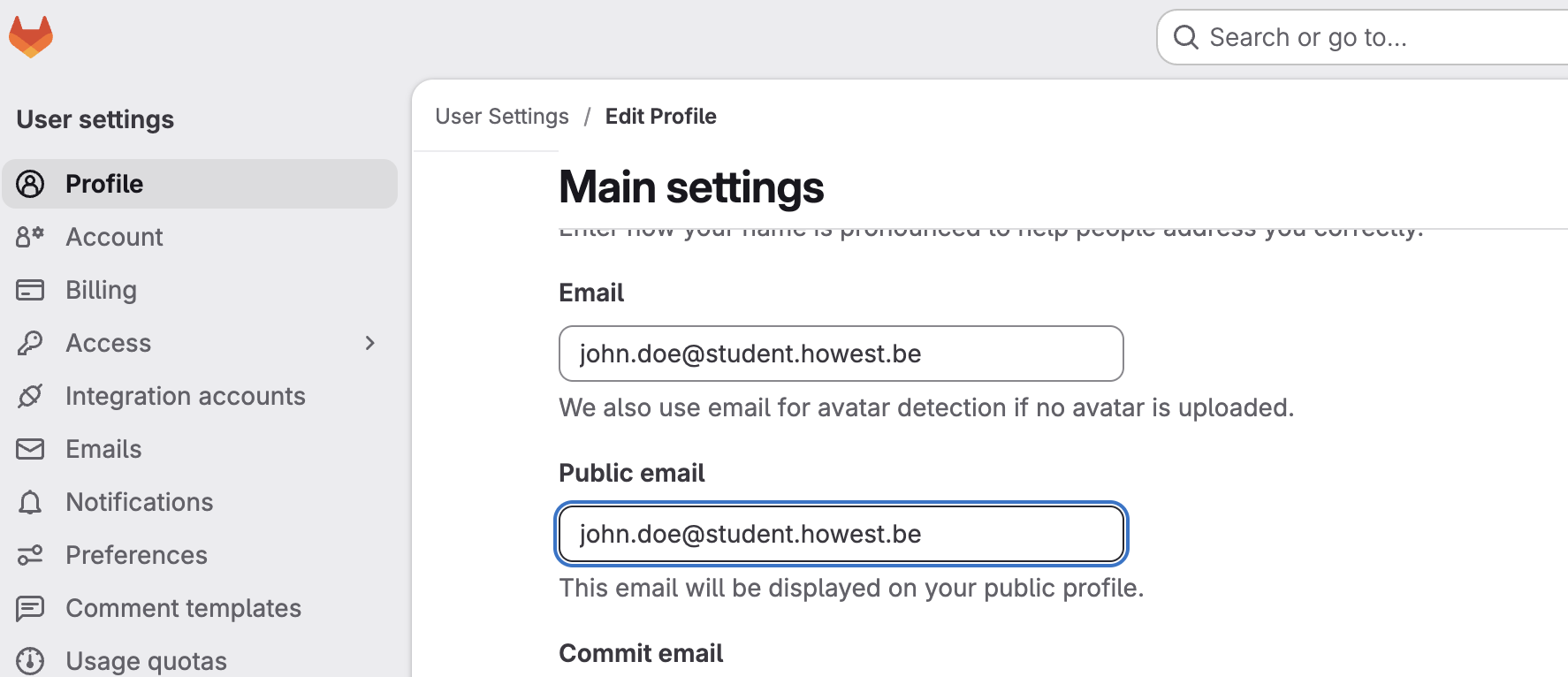
Add a public email address for access to other HOWEST CIT services
To gain access to all necessary course material it is imperative you add your howest address as a public email. This can be done by changing Public email from Do not show on profile to your howest email address.
 IMPORTANT
If you do not supply your Howest email address as a public address, or you do not respect the naming convention, you will not be given access to other Howest services as none of the scripts will pick up your account.
Keep GitLab open in a browser tab and proceed to Sonar.